
The right multi device streaming plan covers the maximum number of screens that play at the same time, not every device that has the app installed. Build a household overlap schedule, verify which devices are supported, estimate internet capacity for simultaneous quality levels, and start with the shortest plan that meets the real peak. Add connections only when recurring overlap proves they are needed.
A connection is an account permission for concurrent playback. It does not make Wi-Fi faster, improve video quality, or guarantee that a source will never buffer.
Table of Contents
Table of Contents
Understand Devices, Profiles, and Connections
These terms are often confused in plan descriptions. A device is the television, phone, tablet, box, or computer running the app; a profile separates preferences; and a connection or simultaneous stream controls how many can play at one moment.
| Term | What it usually means | What to verify |
|---|---|---|
| Registered device | A device signed into the account | Whether old devices can be removed |
| Profile | Separate history or recommendations | Whether profiles affect stream limits |
| Connection | One active playback session | Exact concurrent-stream rule |
| Household | People or devices at one primary location | Location and sharing terms |
| Screen limit | Maximum playback sessions at once | Whether downloads or casting count |
“Buy for the busiest normal hour, not for the total number of screens you own.”
A plan may allow installation on five devices but playback on only two. Read the written plan rule instead of inferring capacity from the number of profiles or app installations.
Map the Household Viewing Schedule
Use a one-week schedule to find real overlap. Mark when each person normally watches and include recurring events such as evening news, children’s programs, weekend movies, and live broadcasts.
| Time | Living room | Bedroom | Phone or tablet | Peak streams |
|---|---|---|---|---|
| Weekday morning | News | Off | Off | 1 |
| Weekday evening | Live program | Series | Occasional | 2–3 |
| Late evening | Movie | Off | Short viewing | 1–2 |
| Weekend afternoon | Family viewing | Live event | Off | 2 |
Do not count a phone used only as a remote or for account management as a stream. Count casting according to the provider’s rule because some services register the receiving television while others also track the controlling device.
Calculate the Peak Simultaneous Need
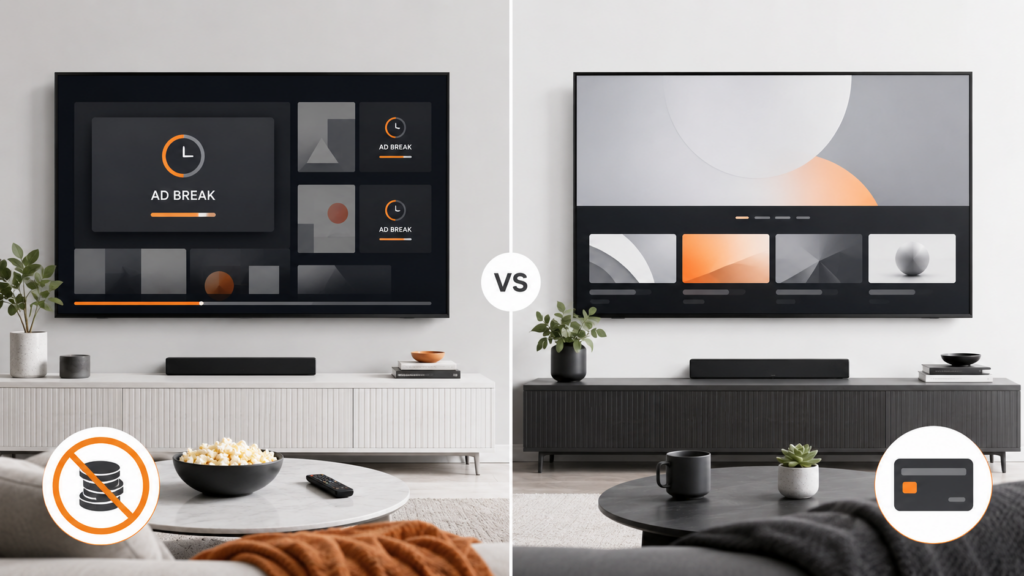
Find the highest recurring overlap during a normal week, then decide whether a rare extra screen justifies a permanently higher price. A household that reaches three streams once per year may prefer coordinating that event instead of paying for three all year.
Connection Estimate
Recommended connections = normal recurring peak streams + an optional margin of one only when the added flexibility has clear value.
- One person or coordinated couple often needs one connection.
- Two independent evening viewers commonly need two.
- A family with three recurring overlapping screens may need three.
- Four or more should be justified by a schedule and network-capacity check.
Never assume that buying four connections authorizes sharing outside the household. Location, account-sharing, and device-registration terms remain separate conditions.
Check Every Primary Device for Compatibility
A multi-screen plan has no value if the second television cannot run the supported player. Record each primary device’s platform and version before choosing the connection count.
| Device | Compatibility check | Setup risk |
|---|---|---|
| Smart TV | Model year and official store listing | Older app platform |
| Fire TV | Fire OS version, storage, resolution | Weak Wi-Fi behind TV |
| Android TV | Play Store support and system updates | Unknown modified apps |
| Smartphone | iOS or Android minimum version | Mobile-data limits |
| Computer | Supported browser and playback controls | Browser extensions or old system |
Install only the official player and confirm navigation, login, playback, and guide behavior during a trial or short plan. The Smart TV setup guide provides the full acceptance test.
Estimate Internet Capacity for Multiple Streams
Each active screen uses part of the household’s connection. Add their approximate demands and then allow capacity for calls, games, downloads, cameras, and normal speed variation.
| Example | Approximate streaming reference | Planning note |
|---|---|---|
| Two HD screens | About 10–16 Mbps using FCC ranges | Add margin and other activity |
| One 4K plus one HD | About 30–33 Mbps | Wi-Fi stability still matters |
| Two 4K screens | About 50 Mbps | Plan for household overhead |
| Three mixed screens | Add each target quality | Measure at the devices |
The FCC lists approximate per-activity references of 5–8 Mbps for HD and 25 Mbps for 4K. These numbers do not include every simultaneous household task.
Use the internet speed for HD and 4K guide for a complete calculation. More plan connections cannot compensate for a weak router or insufficient bandwidth.
Compare One, Three, Six, and Twelve Months
| Duration | Best use | Main tradeoff |
|---|---|---|
| One month | Compatibility and support evaluation | Higher effective monthly price |
| Three months | Seasonal use or confirmed short need | Moderate commitment |
| Six months | Stable setup with established use | More prepaid exposure |
| Twelve months | Verified long-term household fit | Largest commitment and change risk |
Compare the final checkout total, not only a monthly-equivalent label. Determine whether tax, extra connections, setup help, or payment fees change the amount.
A longer plan can reduce the effective rate, but it also increases exposure to device changes, household changes, service changes, and unused months. Move to an annual term only after the app, devices, network, connection limit, support, and refund rules are understood.
Review Trial, Renewal, and Refund Terms
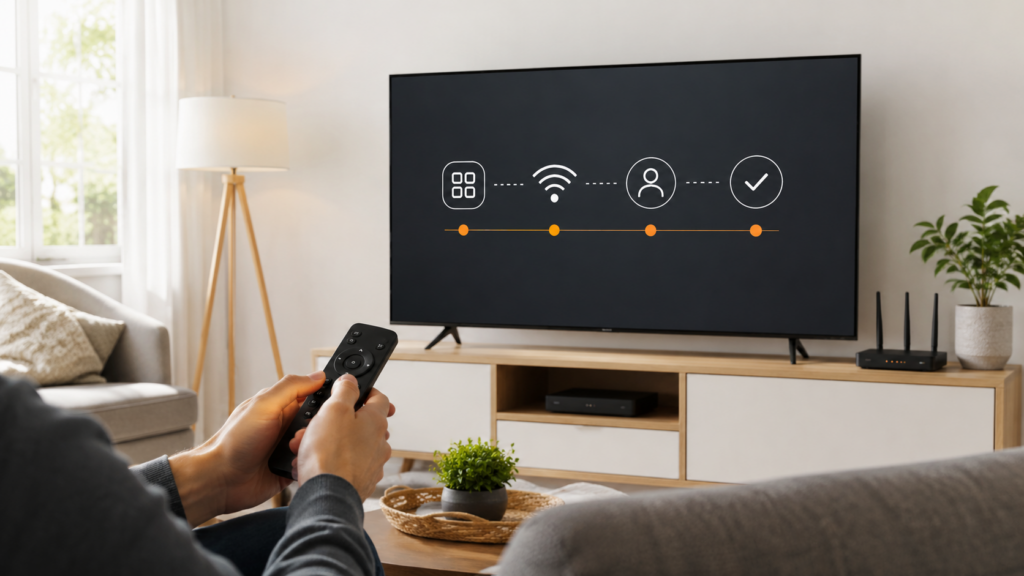
A trial should state its exact start and end, included features, device or connection limits, renewal behavior, and cancellation method. A short paid test and a free auto-renewing trial create different obligations.
- Is payment information required before the trial begins?
- Does the trial convert automatically to a paid plan?
- Which time zone controls the deadline?
- Are refunds available after activation or usage?
- How is cancellation confirmed?
- Does adding connections change refund eligibility?
The FTC advises consumers to understand how to cancel and keep a copy of cancellation requests. Save screenshots or confirmation emails showing the plan and deadline.
Read the site’s refund policy and the streaming trial checklist before committing to a longer term.
Use the Plan Selector Logically
A useful plan selector should ask for concurrent devices, primary device type, desired duration, short-trial preference, and the final total. It should not recommend the largest package by default.
Recommended Quiz Flow
- How many devices will stream at the same time?
- Which device is used most often?
- Will the household stream in HD, 4K, or a mixture?
- Is a short compatibility test needed?
- Which duration matches the confirmed need?
- What is the final price including extra connections?
The result should display a recommended plan with the assumptions used. Users need the ability to change one answer and see how the result changes.
A selector supports a decision; it does not replace written device, renewal, and refund terms. The button label View Recommended Plan should lead to a plan summary before payment.
Avoid Paying for Unused Connections
Review actual overlap after the first month. Device registrations can make a household look busier than it is, while playback history may show that only one or two streams normally overlap.
- Remove old or replaced devices from the account.
- Coordinate rare events instead of permanently upgrading.
- Use profiles to organize viewing, not as evidence that more streams are needed.
- Check whether downloads count as active streams.
- Downgrade at the next renewal when peak use has fallen.
Do not undersize a plan when conflicts happen every day, because repeated stream-limit errors create unnecessary support requests. The objective is accurate fit, not simply the lowest or highest connection count.
Ask support to explain unclear limit messages. “Too many connections” is an account-capacity issue, while buffering after successful playback is usually a network, device, or delivery issue.
Check Support After Purchase
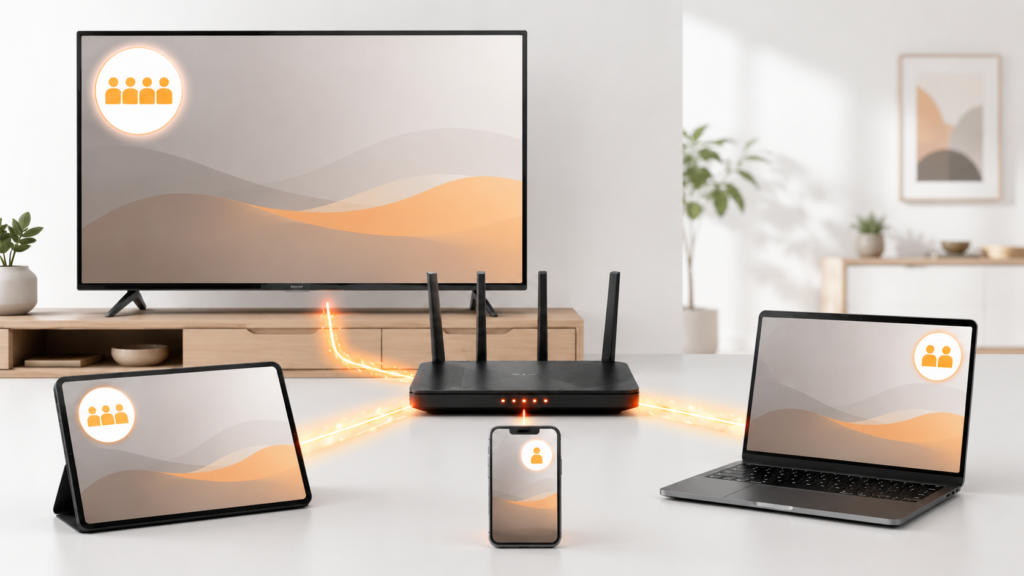
Multi-device households create more setup variables, so direct technical guidance has practical value. Verify whether support covers device installation, login assistance, EPG refresh, registered-device resets, and connection-limit questions.
| Support need | Information to save |
|---|---|
| Second-device setup | Device model and official app listing |
| Authentication failure | Error text, app version, account status |
| Connection-limit error | Which screens were active |
| EPG mismatch | Affected device and channel examples |
| Buffering | Network type, speed, stream, and time |
Use a verified support page and conceal passwords or tokens in screenshots. A support team needs the order reference and technical evidence, not the full payment-card number.
Multi-Device Household Case Studies
Two-Person Household
Two people own a Smart TV, tablet, two phones, and a laptop. Although five devices can run apps, their schedules show only two recurring evening streams, so a two-connection monthly plan fits the first test period.
Family with Weekend Peaks
A family normally uses two screens but reaches three every Saturday afternoon. It confirms that the third stream is recurring, verifies the router can support the mixed HD and 4K load, and selects three connections.
Single Viewer with Many Devices
One viewer switches between the living-room TV, phone, and computer but rarely plays more than one at a time. One connection is sufficient even though the account is installed on several supported devices.
These cases show why installed-device count is a poor purchasing metric. Time overlap determines connection need.
Model Rare Peaks Without Overcommitting
Households occasionally need more screens for holidays, visitors, school breaks, or major live events. Separate those rare peaks from recurring weekly use before increasing a long-term plan.
| Peak type | Frequency | Reasonable response |
|---|---|---|
| Daily overlap | Most days | Include it in normal connection need |
| Weekly overlap | Predictable each week | Usually justify the needed connection |
| Seasonal overlap | Several months | Consider a shorter upgrade period |
| One-time event | Rare | Coordinate screens or use a temporary option |
Check whether the provider permits changing connection count at renewal or mid-term, and whether the change is prorated or starts a new plan. Do not assume an upgrade can be reversed immediately.
The most economical plan is the smallest one that covers normal recurring peaks without regular conflict. Rare events should be evaluated separately.
Plan for Travel and Mobile Viewing
Mobile use changes network and account conditions. A phone may switch between home Wi-Fi, cellular data, workplace Wi-Fi, and travel networks, each with different speed, security, and location behavior.
- Review whether the plan permits travel or only home use.
- Check mobile-data consumption and carrier limits.
- Use official downloads when the service supports offline viewing.
- Do not assume a travel screen is an extra connection outside the limit.
- Sign out from shared hotel or rental devices.
- Avoid entering credentials on unknown public players.
A mobile device installed with the app does not consume a simultaneous connection while idle. It normally matters when active playback begins, subject to the provider’s exact rule.
Plan for the household’s real use but follow location and account-sharing terms. More connections do not automatically permit access from unrelated households.
Calculate the Effective Cost per Used Connection
The advertised price per connection can be misleading when some connections remain unused. Compare the plan’s total cost with the number of simultaneous connections the household actually uses.
Useful Cost Measures
- Effective monthly cost: total prepaid price divided by months.
- Used-connection cost: monthly cost divided by recurring peak connections.
- Unused-capacity cost: price difference paid for connections rarely used.
- Switching cost: hardware, setup time, or nonrefundable prepaid months.
For example, a four-connection plan may have a lower advertised cost per connection than a two-connection plan. If the household never exceeds two simultaneous streams, the larger plan still costs more in total and the unused capacity has no practical value.
Include taxes, payment fees, add-ons, and hardware in the comparison. A selector should display the final checkout total and the assumptions behind its recommendation.
Review Household Changes Before Every Renewal
Connection needs change when someone moves, a child receives a new device, work schedules shift, a television is replaced, or a seasonal viewing habit ends. Recalculate before renewal instead of carrying the original plan forward automatically.
- Remove devices no longer owned or used.
- Review one month of normal overlap.
- Ask each household member which screen and time they actually use.
- Check whether network capacity still supports the peak.
- Compare current one-, three-, six-, and twelve-month totals.
- Confirm that support and refund terms have not changed.
A lower connection count may now fit, or a recurring new overlap may justify an upgrade. Make the change at a defined renewal boundary and save confirmation.
Do not retain an unused account on a sold or borrowed device. Sign out remotely when possible and change user-managed credentials if account access may have been exposed.
Renewal Review Questions
Ask whether the household reached the plan limit more than once, whether those conflicts occurred during normal use, and whether any screen remained active accidentally. Check whether a stale session, background playback, or forgotten travel device created the appearance of greater demand.
Then compare the cost of one additional connection with the practical value of avoiding recurring conflicts. A modest upgrade can be reasonable when independent viewing overlaps daily; the same upgrade is wasteful when a five-minute coordination step solves a rare conflict.
Document the chosen count and why it fits. That explanation gives the next renewal review a reliable baseline instead of forcing the household to reconstruct old usage from memory.
Keep the review with the receipt so later price and usage comparisons use the same assumptions.
Confirm Connection Release Behavior
Some players or services take a short time to release a connection after playback stops. During the initial test, end a stream normally, wait briefly, and start another device.
If the new screen reports a limit even though nothing else is playing, sign out of the earlier device and check the account’s registered sessions. Record how long normal release takes and whether force-closing the app changes it.
Do not repeatedly upgrade a plan to work around stale sessions. Verified support may need to reset an old device or explain the provider’s session timeout. The correct connection count should cover active viewers, not abandoned sessions that remain incorrectly open.
Multi Device Streaming Plan Final Checklist
multi device streaming plan: Quick Reference
- List every primary device and confirm compatibility.
- Map a normal week of household viewing.
- Find the highest recurring simultaneous count.
- Check registered-device, profile, and sharing rules separately.
- Add bandwidth requirements for concurrent quality levels.
- Compare Wi-Fi and Ethernet at fixed televisions.
- Choose the shortest useful initial duration.
- Read trial, renewal, cancellation, and refund terms.
- Verify the final price before payment.
- Test all primary devices during the evaluation period.
- Save setup and support information.
- Review actual overlap before renewal.
A well-chosen multi device streaming plan matches real simultaneous use, supported hardware, and network capacity. It should give the household enough room without charging for connections that remain idle.
Frequently Asked Questions
What is a multi-device streaming plan?
It is a plan that permits playback across more than one device, often with a stated simultaneous-stream limit. Read the exact registered-device and concurrent-use rules.
How many connections do I need?
Count the maximum number of screens that regularly play at the same time. Do not count every installed app or profile.
Do more connections improve streaming quality?
No. They increase concurrent account permission. Quality still depends on the source, internet route, router, signal, device, and app.
Can I use one plan on a Smart TV and phone?
Often yes when both are supported, but simultaneous playback depends on the plan limit and account terms.
How much internet speed do multiple screens need?
Add the approximate demand of each simultaneous stream and allow margin for other activity. FCC references are about 5–8 Mbps for HD and 25 Mbps for 4K per activity.
Is an annual multi-device plan the best value?
Only after the devices, household need, service, support, and terms have been tested. A lower monthly equivalent does not eliminate the risk of unused prepaid time.
What does “too many connections” mean?
The account has reached its permitted concurrent playback sessions or retained an active session. Stop other streams and ask verified support about stale sessions.
Can I share a multi-device plan outside my household?
Do not assume so. The number of connections is separate from household, location, and account-sharing rules. Follow the provider’s written terms.